

Extra Curricular Activities
 Wider Opportunities
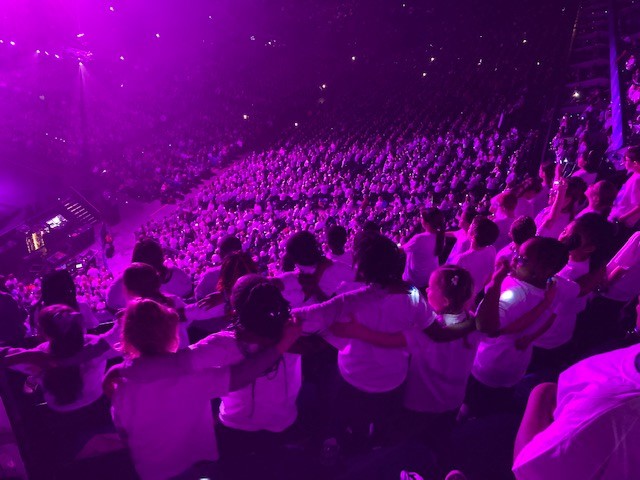
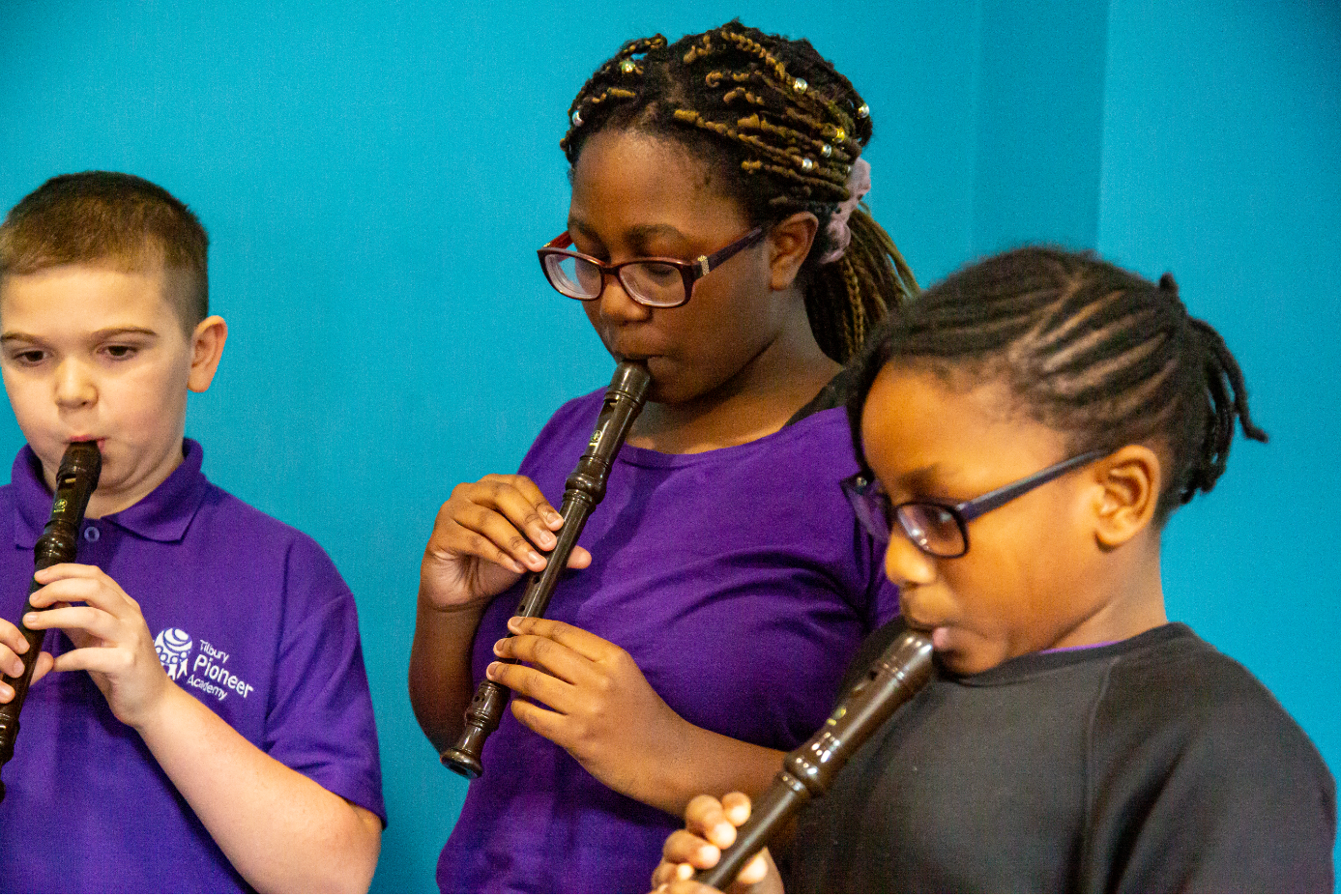
Tilbury Pioneer Academy offers a comprehensive and broad wider curriculum, providing children plenty of opportunities to take part, perform, compete and attend to enhance their passions and interests.
Our partnership with the Royal Opera House Trailblazers programme of high quality arts and cultural activities boosts creative learning; children partake in events such as Young Voices, Thurrock Poetry Competition, Infant and Junior Music Festival, Tilbury Lights, National Theatre and Rotary Club activities; all children have the opportunity to compete in a wider range of sporting competitions, including football, netball, cricket, cross-country and athletics; we raise academic aspirations through activities like Mathletics and Brilliant Club, where pupils participate in a scholars programme and graduate from University!
Children are also able to take on a variety of leadership roles throughout their time atTilbury Pioneer Academy, including School Council, Eco Council, Art Council, Pupil Librarians, and Digital Champions. Finally, we routinely support local and national charities, raising thousands of pounds for the benefit of others, including Comic Relief, Sport Relief, Water Aid, Tilbury Food Bank, NSPCC and Save the Children.
After School Clubs
We offer a good range of after school clubs available to choose from each term, the timetable is shown above. Clubs range from drama and music to sports and art. Children really enjoy the clubs; both for what the club is offering and for the social aspects. Clubs run from 3pm until 4pm.

Magicbooking
-
Access Your School's Portal
MagicBooking is "white-labeled," meaning every school or club provider has its own unique web address.
• Click the link:https://pioneer.magicbooking.co.uk/Identity/Account/Login
• Login: Use your registered email. If it’s your first time, you’ll likely need to click "Forgotten Password" to set up your credentials. - The "Bookings" Tab
Once you’re in, look for the Bookings button (usually on the top navigation bar or the main dashboard).
• Select the Activity/Club you want (e.g., "After School Club" or "Spring Term Football").
• Click "Book" or "Start Booking." - Select Your Child
If you have multiple children registered, you’ll see their names listed.
• Check the box next to the child you are booking for.
• Note: If your child isn't appearing, you may need to go to the "Children" tab first to add their details, medical info, and emergency contacts. The system won't let you book until their profile is complete. - Choose Your Dates
This is where it gets specific. You usually have two options:
• Contract/Block Booking: To secure the same day every week for the whole term.
• Ad-hoc/Casual: To pick specific individual dates.
• The Calendar: Click the dates you need. Selected dates usually turn green. - Review and "Add to Basket"
Before you hit the final button, the system will show you a summary.
• Check the times: Make sure you haven't accidentally booked the "Short Stay" if you needed the "Late Stay."
• Consents: You might be prompted to tick boxes for photo permissions or medical treatment. - Checkout & Payment
MagicBooking handles several payment types:
• Credit/Debit Card: THERE IS NO PAYMENT REQUIRED
Holiday Provision
We offer a comprehensive holiday programme which is implemented in partnership with the GLC and local organisations.